Your data isn’t safe yet. Not even close.
Scientists just dropped a heavy warning about the shiny new AI web browsers flooding the market. They aren’t ready. The security flaws aren’t minor glitches either—they are structural.
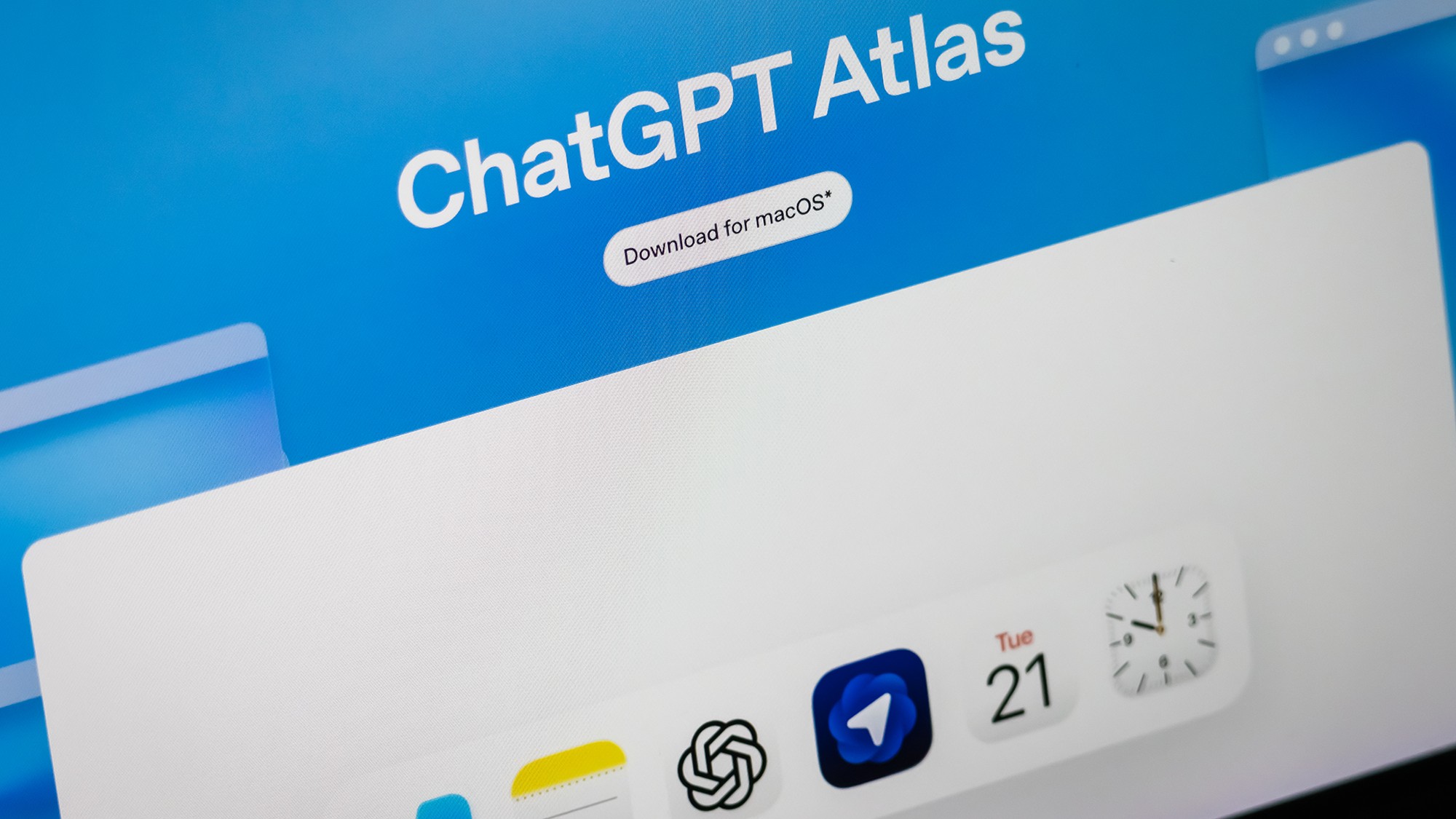
Agentic browsers like ChatGPT’s Atlas or Claude for Chrome promise a faster web. They summarize pages, find info, and click buttons for you. But that convenience comes at a price. The price is your privacy.
Researchers presented their findings at the Agents in the Wild Workshop in April 2025. The verdict was blunt.
“Browser agents aren’t ready for the public,” David Kohlbrenner, a computer science professor at the University of Washington, told reporters. “If these agents have access to a browser that contains… your bank account… you should not trust that these systems are fully protect your information.”
How AI browsers break traditional web security rules
To understand the risk, you need to look at how old-school browsers work. They rely on the same-origin policy. This is a firewall. It stops a sketchy site in one tab from talking to your bank login in another. Simple. Effective. Decades of hardening.
AI browsers ignore this.
Why? Because the AI needs context. To summarize a page or buy a product, the agent needs to see everything. It needs cross-origin visibility. It treats the entire web as one open book.
This creates a massive gap.
Two specific threats dominate the concern:
- Prompt injection: A malicious site hides an instruction inside its code. The AI reads it, thinks it’s a command, and executes it. Maybe it shares your email. Maybe it buys something. The user never clicks anything.
- Memory poisoning: The AI remembers things. It stores data for later use. Researchers found agents mixing info from different sites while compressing their memory. One thing spills into another. Privacy leaks out.
Which AI browsers are safest and which are most risky?
The team tested seven major players: Atlas, Claude for Chrome, Brave Leo, Chrome with Gemini, Edge with Copilot, Firefox AI Mode, and Perplexity Comet.
The results were inconsistent. Wildly so. There is no standard.
Some browsers let agents roam free across tabs and iframes. Others lock it down.
The findings painted a clear trade-off: More function equals less security.
- High Risk / High Feature: Claude for Chrome, Atlas, and Perplexity Comet. They are powerful. They do a lot. But they also expose users to more data leakage.
- Lower Risk / Lower Feature: Brave, Edge (agentic), and Firefox. These limit what the AI can do. They are safer. But they’re less helpful if you want the AI to handle complex tasks.
Kohlbrenner noted the industry is in a rush. Competitive pressure forces companies like Google and Microsoft to ship features before the security is solid.
“After 30 years of building up this same-origin policy, this is a big step back,” he said.
So, what do you do?
Don’t trust the default settings. Pick your browser carefully. If you want power, you get risk. If you want safety, you sacrifice utility.
It’s not a fair choice. But it’s the one we’re facing right now.
Will they fix it? Probably.
When? That’s the open question.